1
Sit down together
Open the album and point your phone at the page. EverHue finds the print, takes out the glare and crops it straight, even through a plastic sleeve.
See them in color for the first time. Point your iPhone at an old print and get a full-resolution photo back in about a minute, ready to send to the family.


Tap any photo below. The color EverHue puts back is period-plausible: skin, fabric, paint and foliage as they would have looked at the time, not a tint washed over a grey picture.


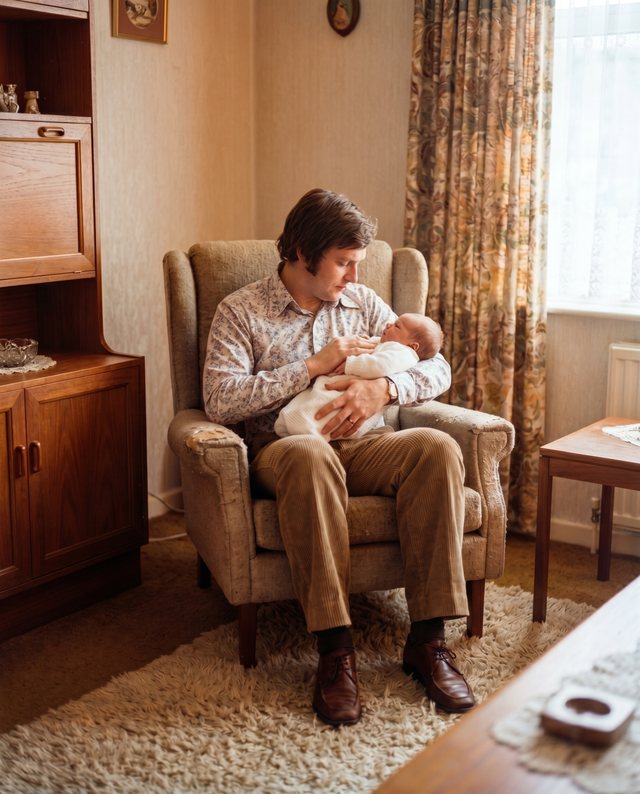
You don't pick a tool or stack up filters. Every photo gets the whole treatment.
Real, period-plausible color for black-and-white and faded prints. Skin, fabric, sky and paint the way they were, not a gaudy auto-tint.
Soft, out-of-focus features come back. Yellowed, washed-out prints get their contrast and detail back.
Creases, rips, water marks, brown foxing spots and missing corners, closed up.
That was the summer your grandfather taught all of us to swim.
The words appear as they speak.
Tap Record the story. EverHue keeps the voice with the photo and creates a live transcript on your iPhone. Correct the words, add people’s names or record another telling. Then listen again whenever you open the Memory.
Every finished photo becomes a Memory. Record the names, places and stories that come back as you turn the pages.

“That dress was made by her sister.”
Who is holding the baby?
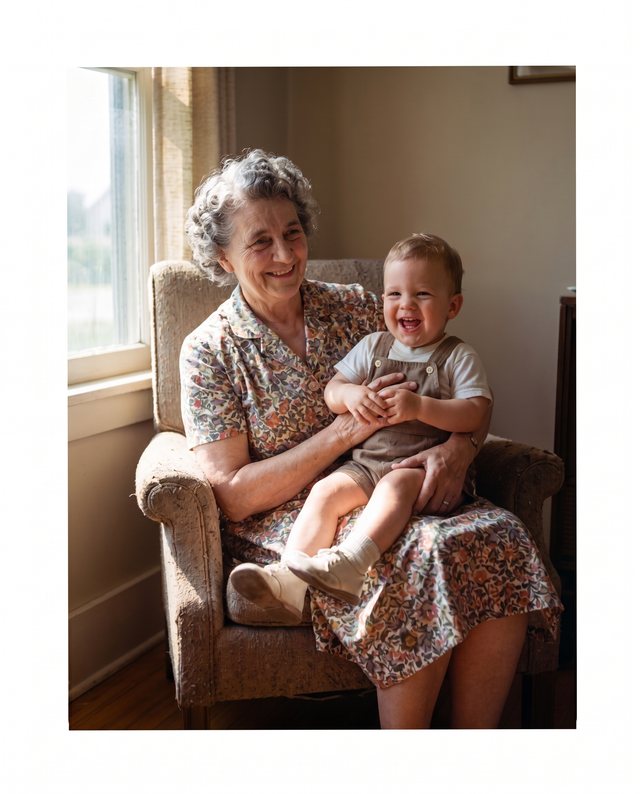
No scanner, no desktop software, and no posting irreplaceable prints across the country for six weeks.
Open the album and point your phone at the page. EverHue finds the print, takes out the glare and crops it straight, even through a plastic sleeve.
In a few seconds the tears close, the stains lift, blurred faces come back into focus and the color returns.
When the photo brings something back, record the voice telling it. EverHue writes the words down and keeps both with the Memory.
No, and this is the thing we obsess over. EverHue puts back period-plausible color: skin, fabric, paint, sky and foliage as they would have looked at the time. The result reads as a color photograph from the era rather than a tint laid over a grey picture.
No. It repairs what the damage took and colors what is already in the frame. It will not add people, faces or scenery that were never there, and it will not extend the picture past its own edges. A restored photo has to still be your photo.
No scanner and no mail-in. Point your phone at the print, even through a glossy album sleeve. EverHue takes out the glare, flattens the page and crops each photo automatically, so nothing has to be peeled loose or shipped away.
Yes. Soft and out-of-focus faces are the most common thing people bring to EverHue. It rebuilds the detail the print lost so the people you love look sharp and present again.
Your photos are yours. We don't train our AI on them, and you can delete them from EverHue any time. Your family memories stay your family memories.
EverHue is free to download. To restore a photo, you buy credits in the app. A restore with color uses 2 credits. Credits never expire.
Don't let the stories disappear. Open the album, point your phone, and watch the print come back.